

Ready-made n8n workflows for the Google Drive chores nobody has time for.
Each template is a workflow I built, tested, and documented. Import it into your own n8n instance, connect your accounts, and run it.
New to n8n? It’s a workflow automation platform, and you’ll need an account to run these templates. [Get started with n8n →](NOTE: The preceding link is an affiliate link. HeliosX may recieve a commission.)
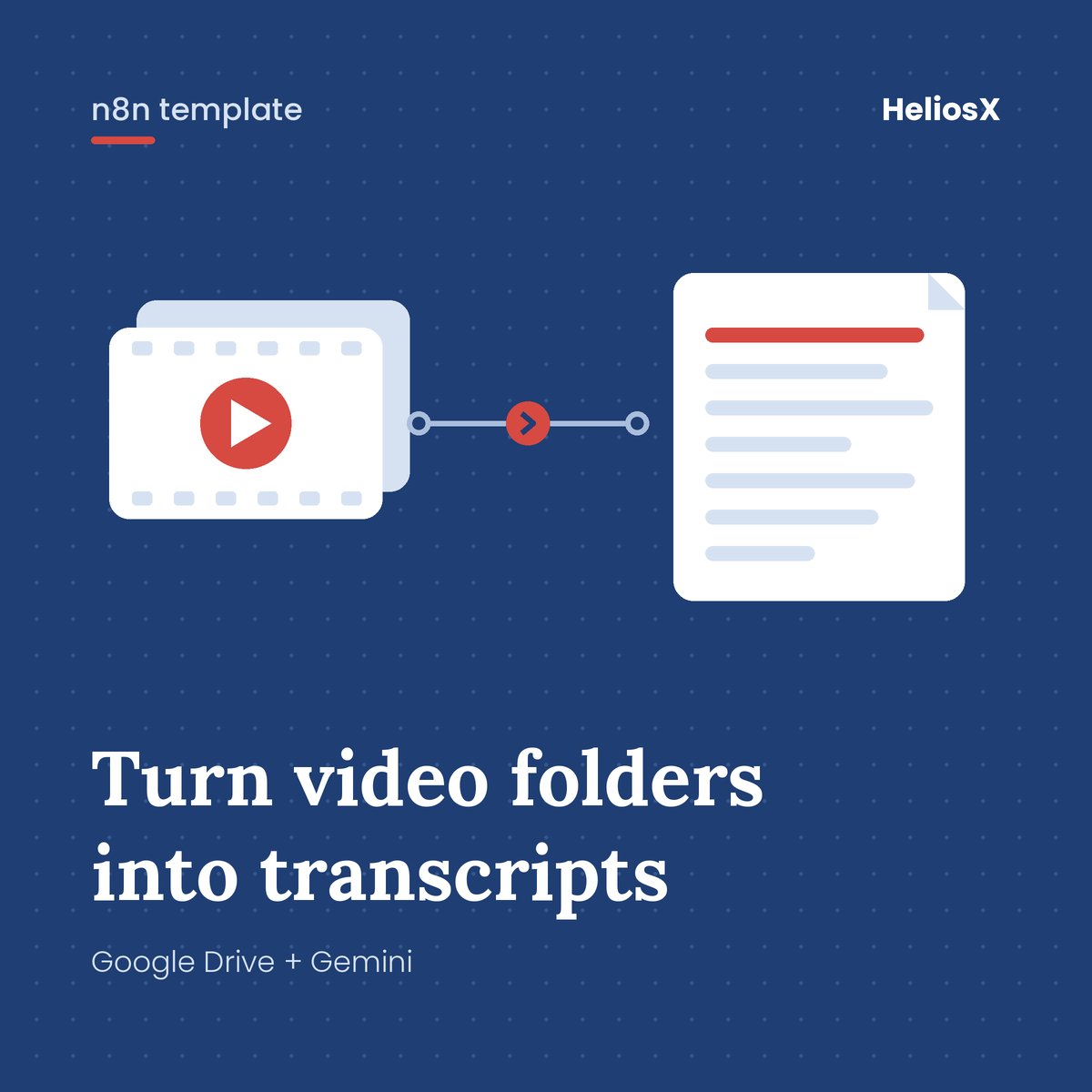
Batch Transcribe Videos
An n8n template for creators, researchers, and operators who need to transcribe large volumes of video content stored in Google Drive. It is especially useful for users working with TikTok archives, interview recordings, or social media datasets where manual transcription would be time-consuming and expensive.
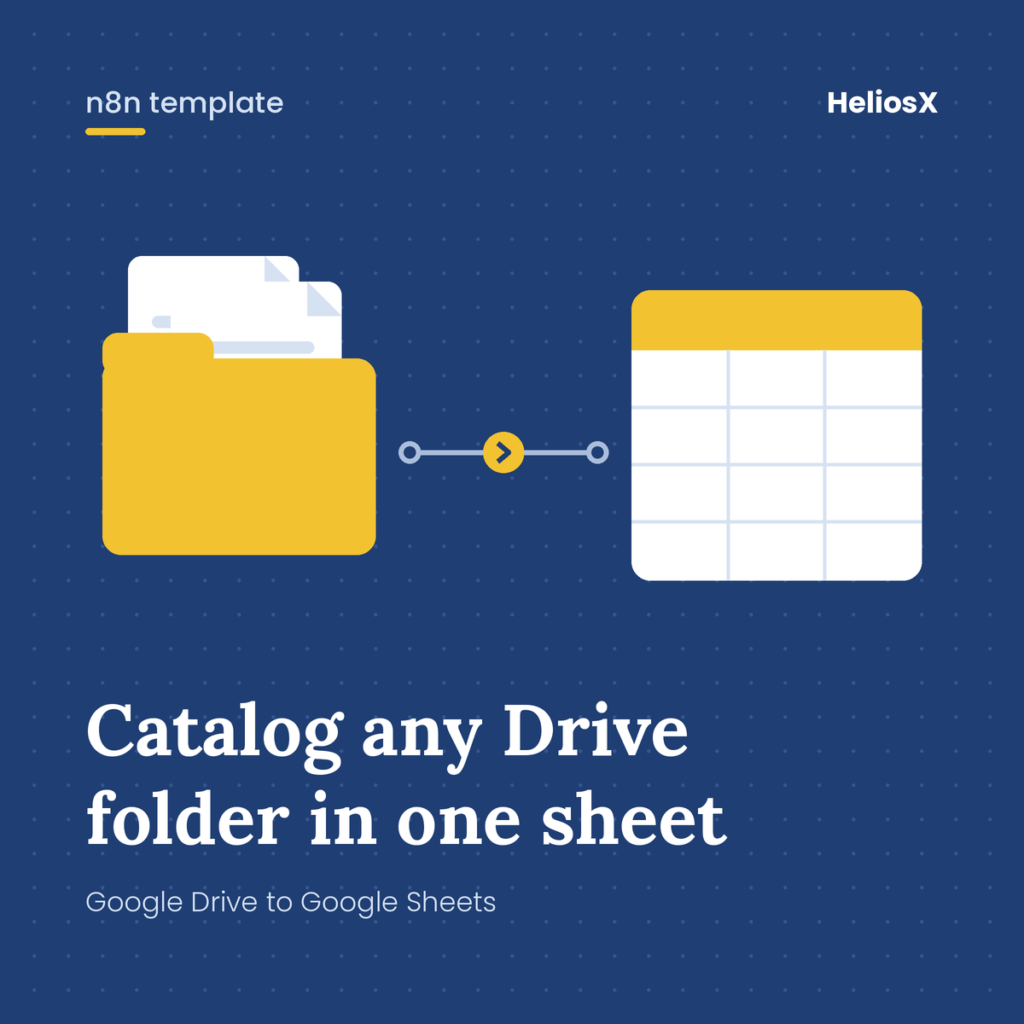
Batch Index Google Drive Folder Files
An n8n template to automatically catalog the contents of any Google Drive folder into a Google Sheets spreadsheet — capturing file names, types, extensions, Drive links, and timestamps in one click. Ideal for teams or individuals who need a living, auditable inventory of shared Drive folders without manually tracking files.
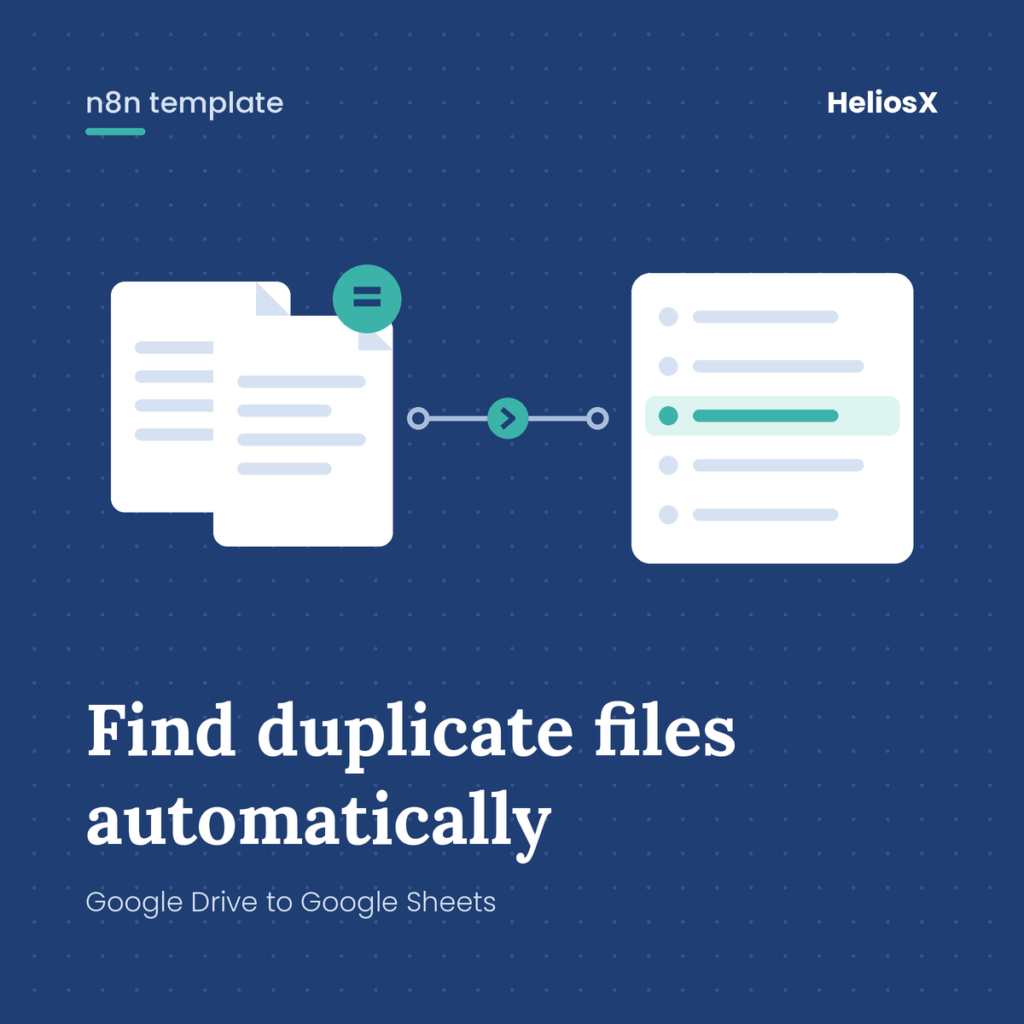
Detect Duplicate Google Drive Files
This n8n workflow template runs on-demand in a specified Google Drive folder for duplicate and near-duplicate filenames, appends the results to a Google Sheets log, and optionally sends a single Gmail notification when duplicates are found. Ideal for teams recieving large folders and files from clients or contributors that may not have been well organized.
Need something these don’t cover? Custom workflows are how every template here started.